Let’s reserve your unit today

Unit Selection

Welcome to our unit selection! Here, you can choose your unit, select your level, and more. Reserve your ideal spot in the beautiful Cape Winelands.

-

Units

-

Available

-

Reserved

-

Sold

Unit Selection

Step 01

Select your unit

Unit: Type

-

Unit Name

-

Bed

-

Bath

-

Bright living room with beige curved sofa, green throw, patterned cushions, round wooden coffee table, armchair, and balcony with mountain view.
Simple dark blue right arrow icon.

Block Selection

Step 02

Select your block

Oakhills Apartment Blocks

*The block selection and block highlight correctly corresponds to one another

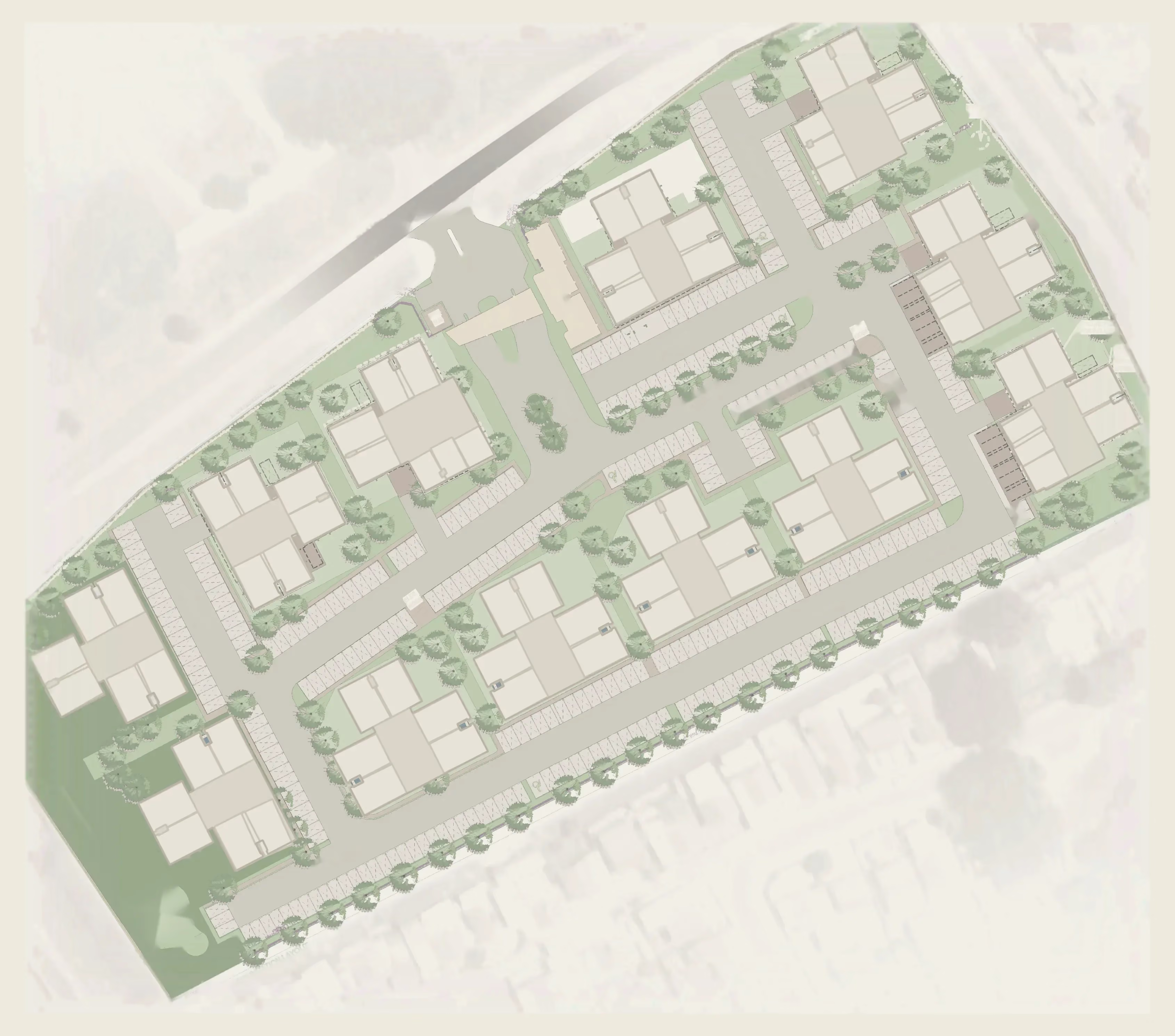
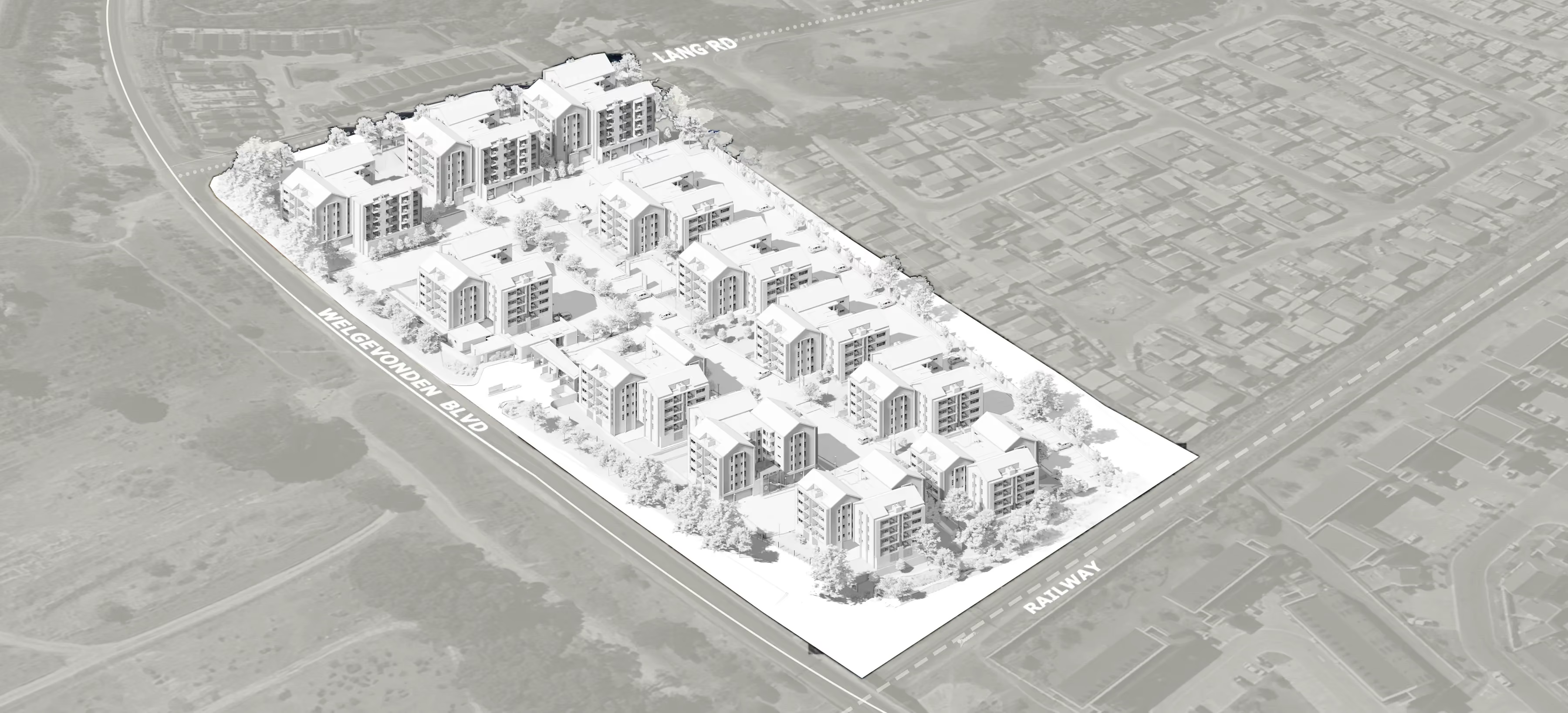
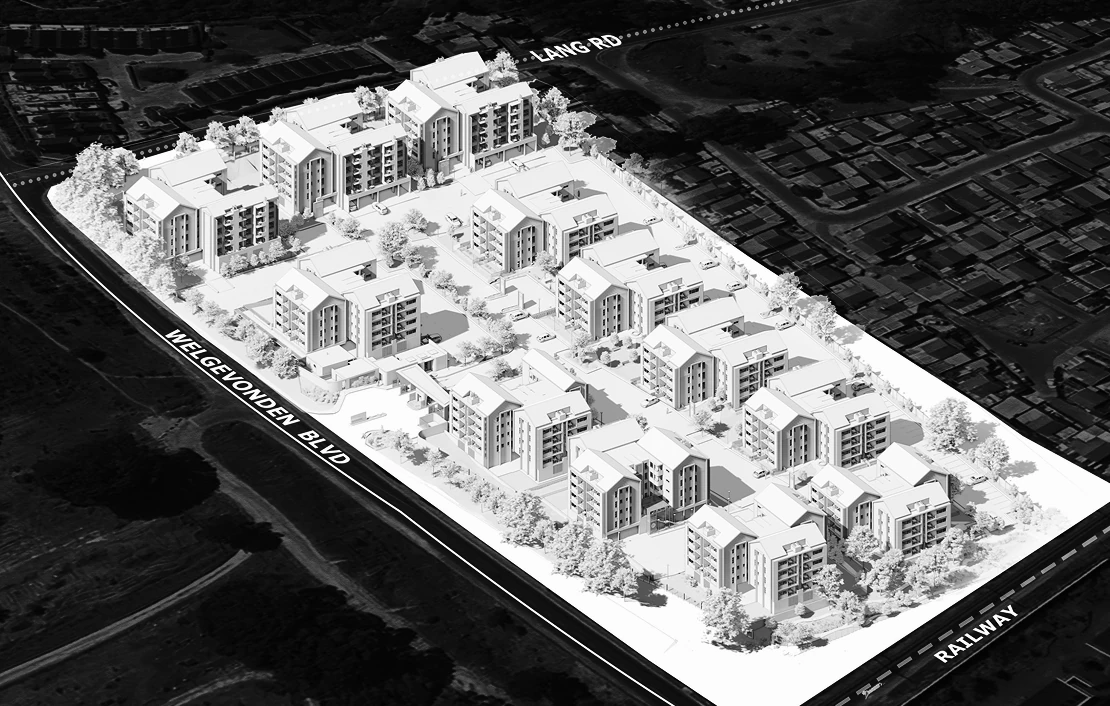
3D architectural model of a residential complex with multiple mid-rise buildings bordered by Welgevonden Blvd, Lang Rd, and Railway.
A
Isometric architectural model of a residential complex with multiple four-story apartment buildings surrounded by trees and landscaping.

Back to Unit Type Select

Level Selection

Step 03

Select your level

Oakhills Apartment Levels

*The Level selection and level highlight correctly corresponds to one another

3D architectural rendering of a modern three-building residential complex with balconies, pitched roofs, and outdoor seating areas surrounded by greenery.
2nd

Use the level pins to hover and select a level.

Back to Block Select

Unit Selection

Step 04

Select your unit

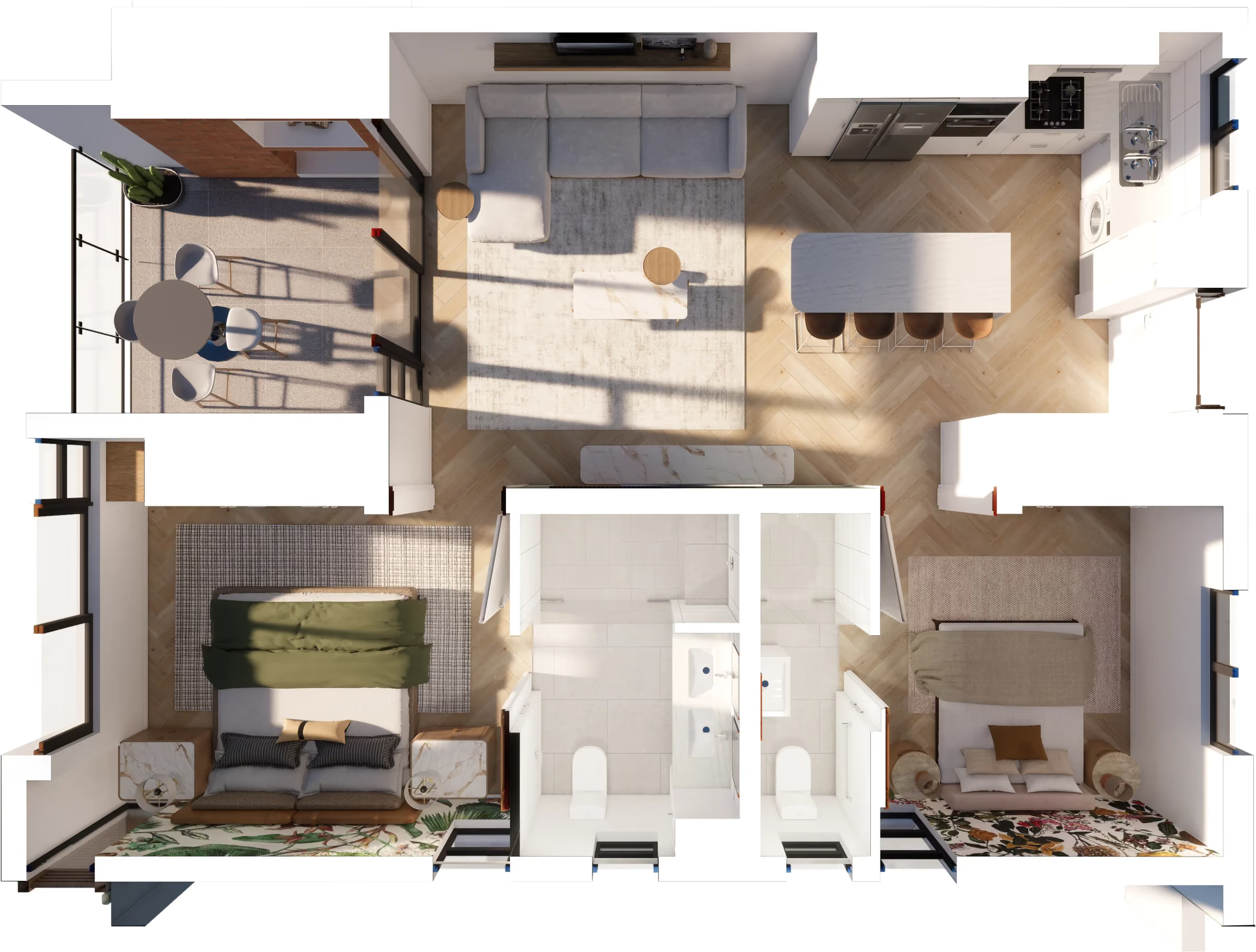
Architectural floor plan showing six labeled apartment units (1-101 to 1-106) arranged around a central lobby with elevators and stairs.
A 105
Select a level first
See levels
Icon white arrow pointing right

Back to Level Select

Congratulations on your unit selection.

Step 05

Reserve your unit

Unit Breakdown

0,0

 million

Unit: Type

-

Block Number

-

Level

-

Unit

-

Reserve This Unit

*Click 'Reserve This Unit' to finish your reservation.

Unit: Type

-

Artist Impression

Bright living room with beige curved sofa, green throw, patterned cushions, round wooden coffee table, armchair, and balcony with mountain view.
Simple dark blue right arrow icon.
Select a unit first
See units
Icon white arrow pointing right

Back to Unit Select